How-to guides
Learn Milar, step by step
Clear instructions with screenshots for everything you can do in Milar, from connecting your first account to running campaigns with your team.
19 guides
New to Milar? Start here
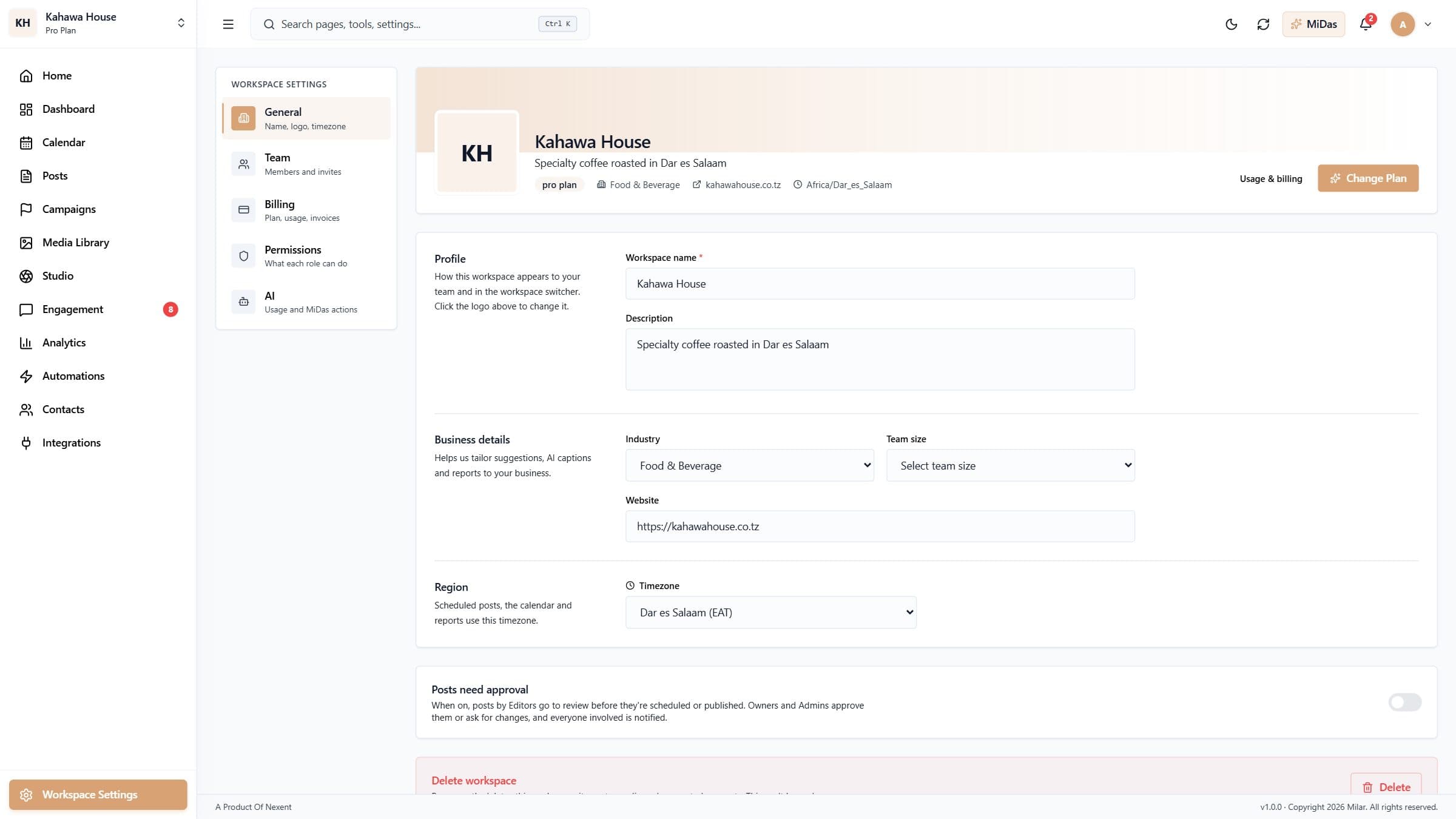
1Create your account and workspaceSign up for Milar, set up your first workspace, and learn how workspaces keep each brand or client separate.2Connect your social accountsLink Facebook, Instagram, TikTok, LinkedIn, YouTube, X, Threads, Pinterest and WhatsApp Business so Milar can post and bring in your messages.3Create and publish a postWrite one post, add photos or a video, and publish it to several accounts at once.
Getting started
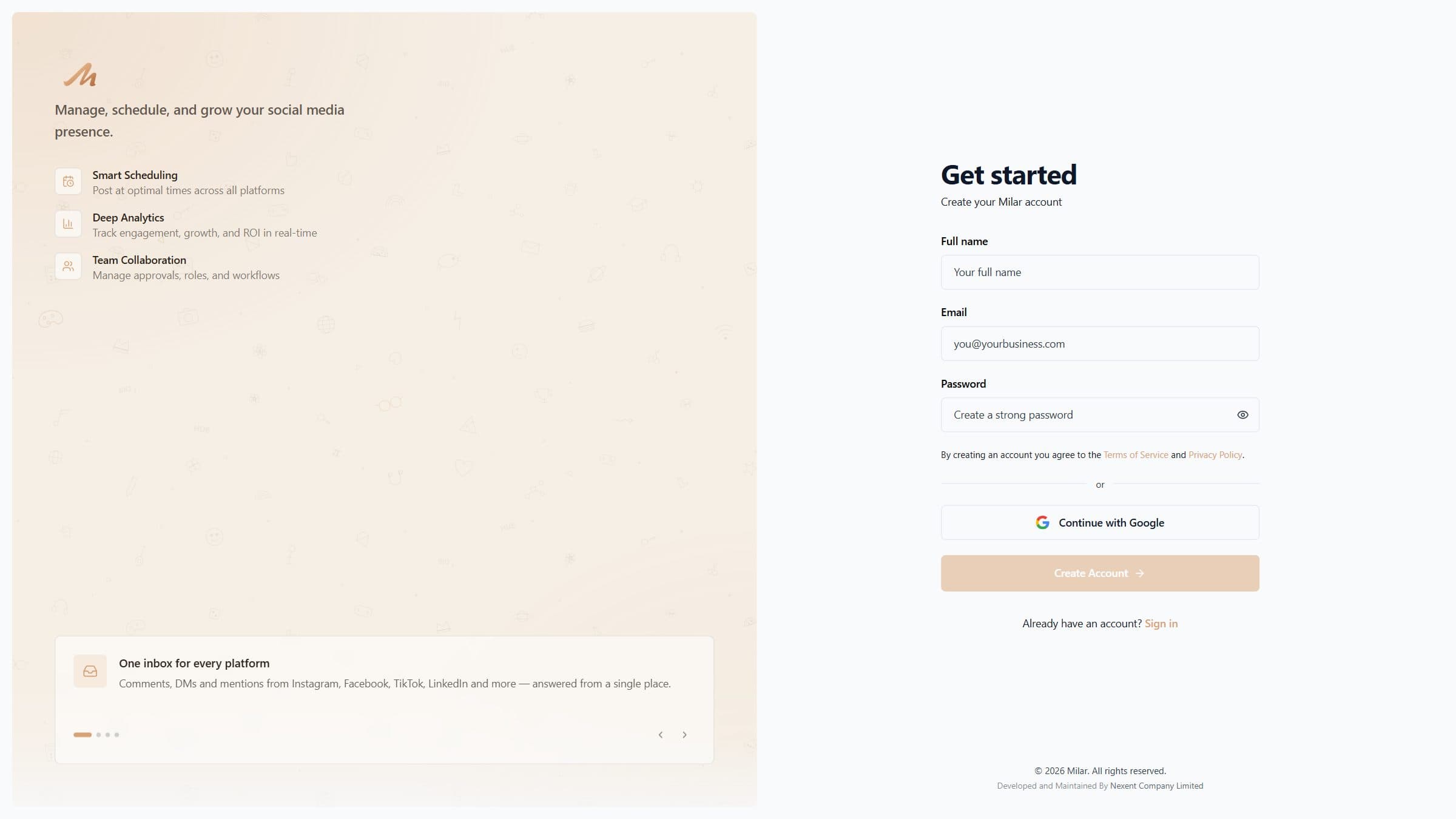 Create your account and workspaceSign up for Milar, set up your first workspace, and learn how workspaces keep each brand or client separate.3 min read
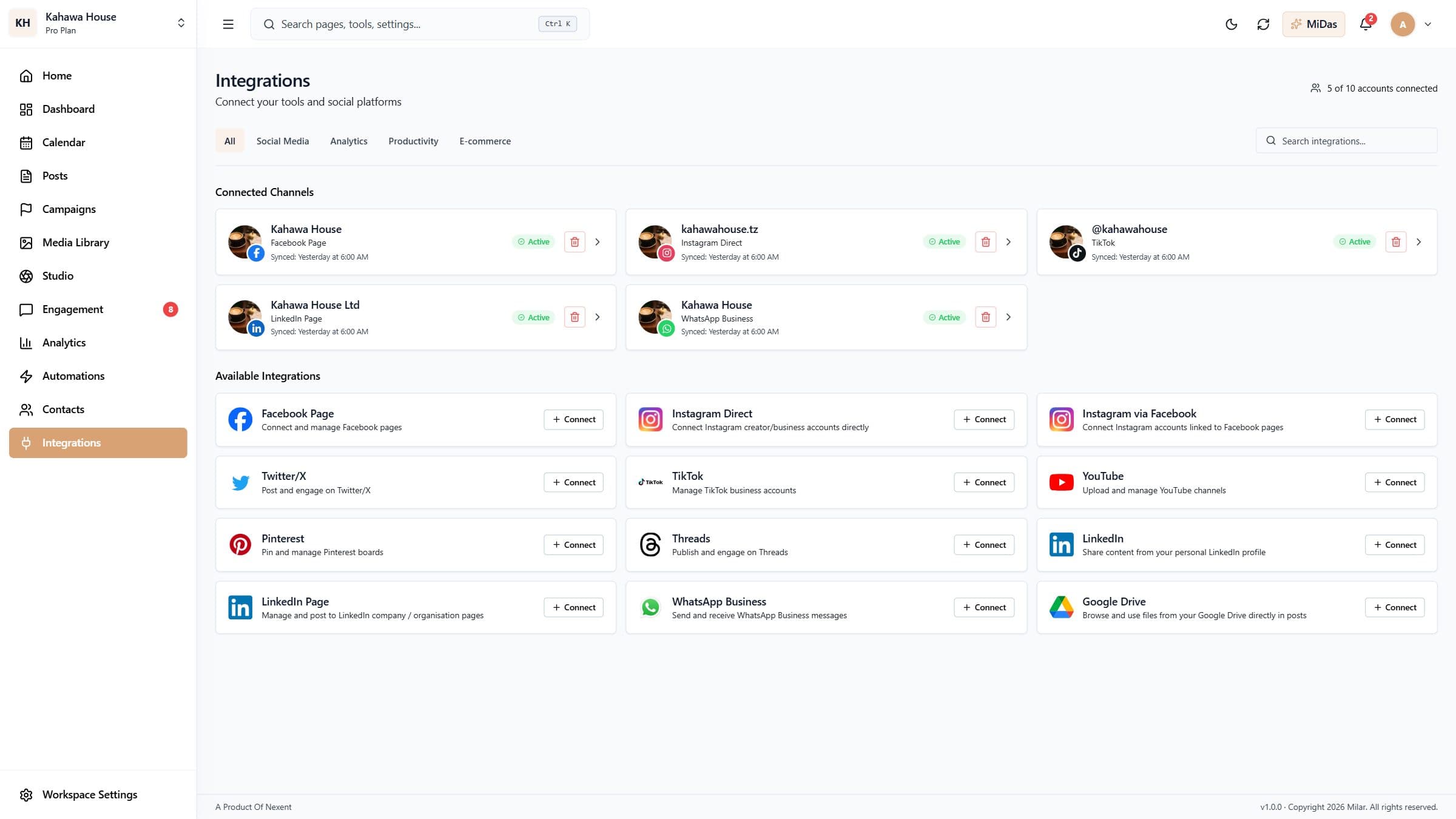 Connect your social accountsLink Facebook, Instagram, TikTok, LinkedIn, YouTube, X, Threads, Pinterest and WhatsApp Business so Milar can post and bring in your messages.4 min read
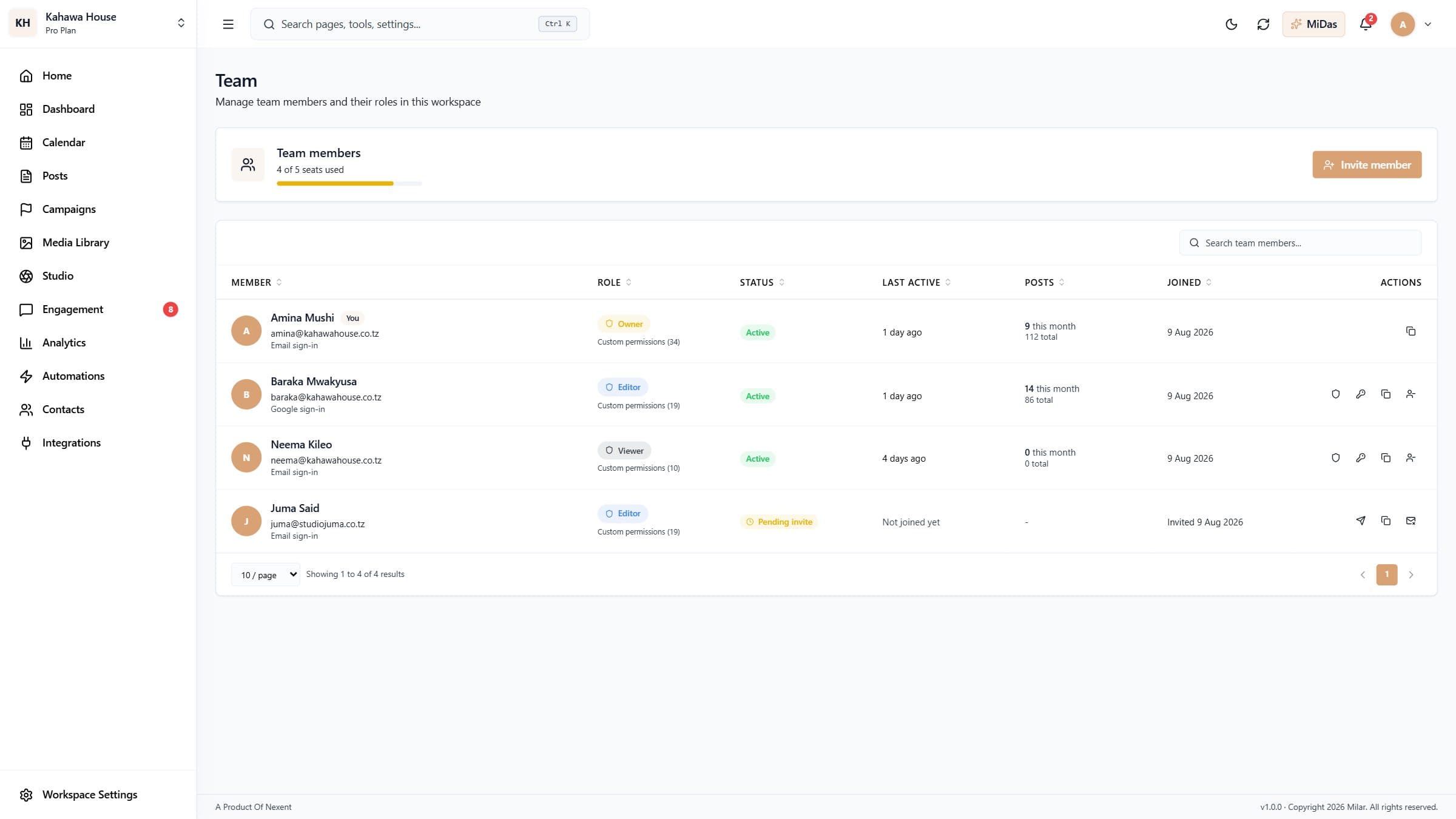
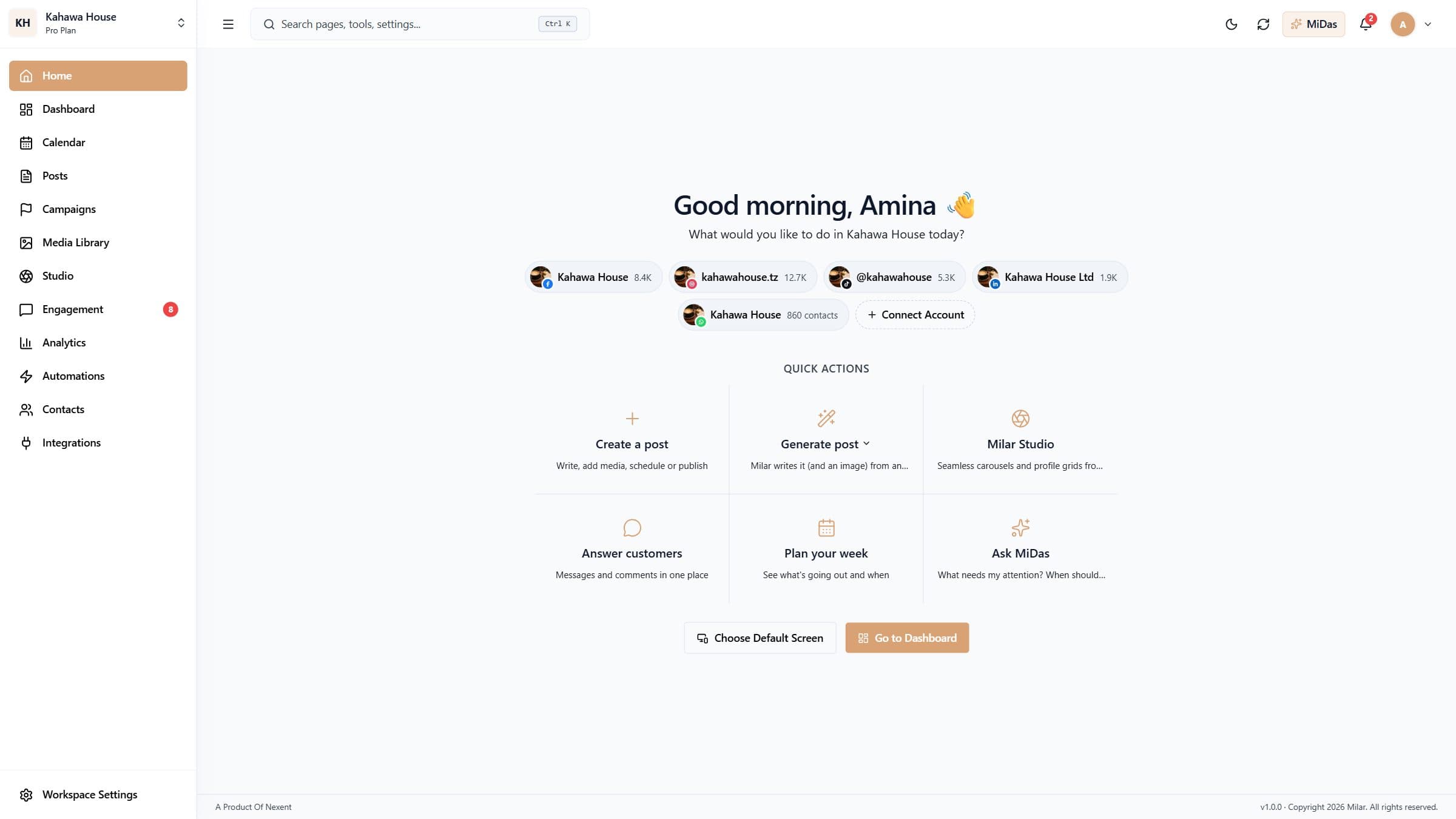 Find your way aroundA tour of Home, the sidebar, search, notifications and MiDas, Milar's assistant.3 min read
Publishing
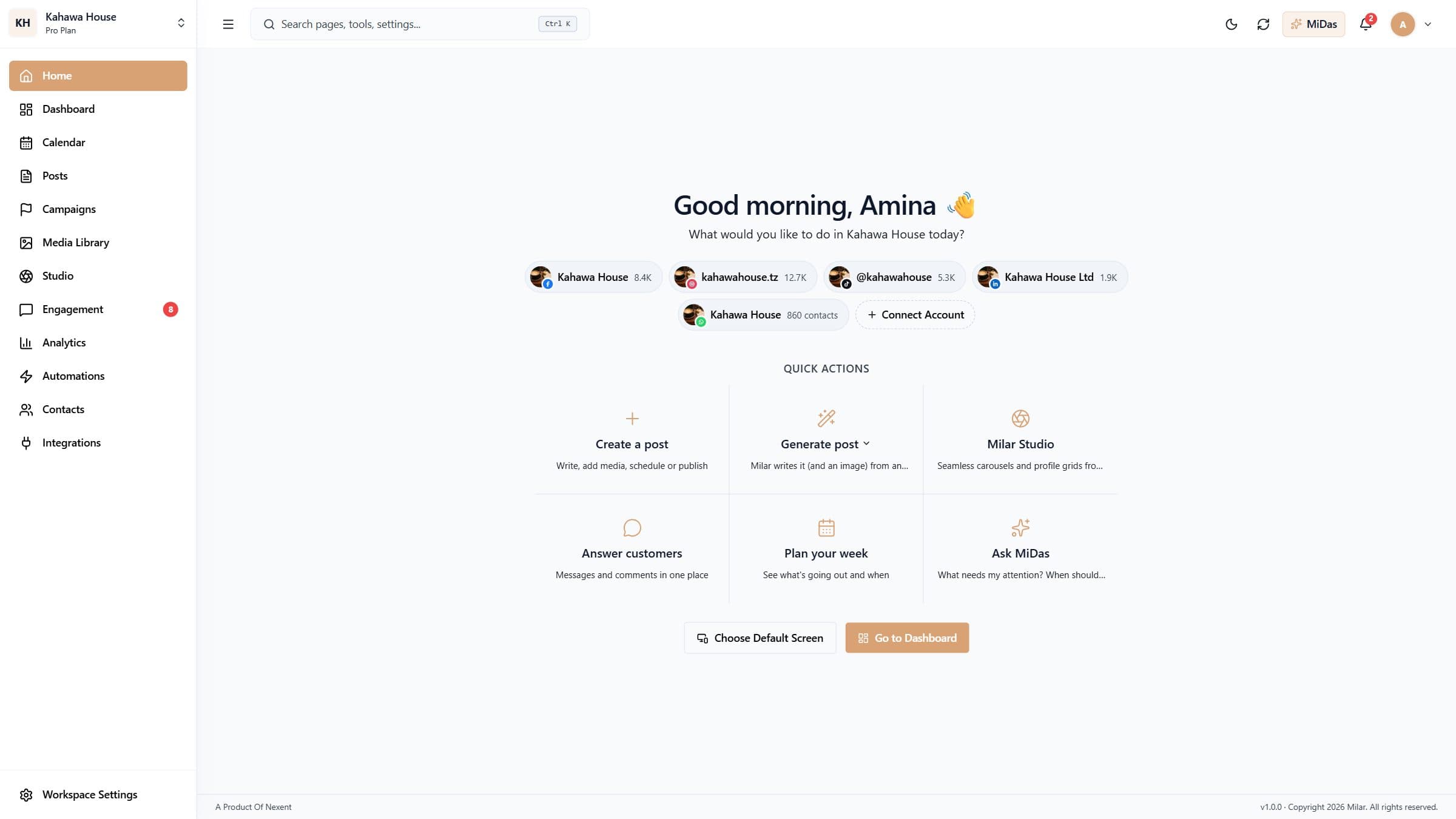 Create and publish a postWrite one post, add photos or a video, and publish it to several accounts at once.5 min read
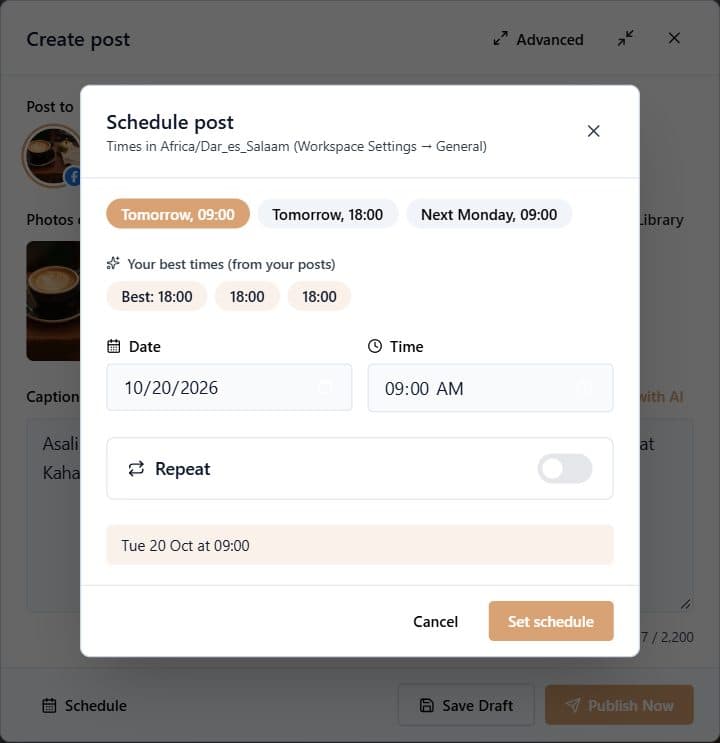 Schedule postsPick a date and time, use your best times to post, and set posts to repeat daily, weekly or monthly.4 min read
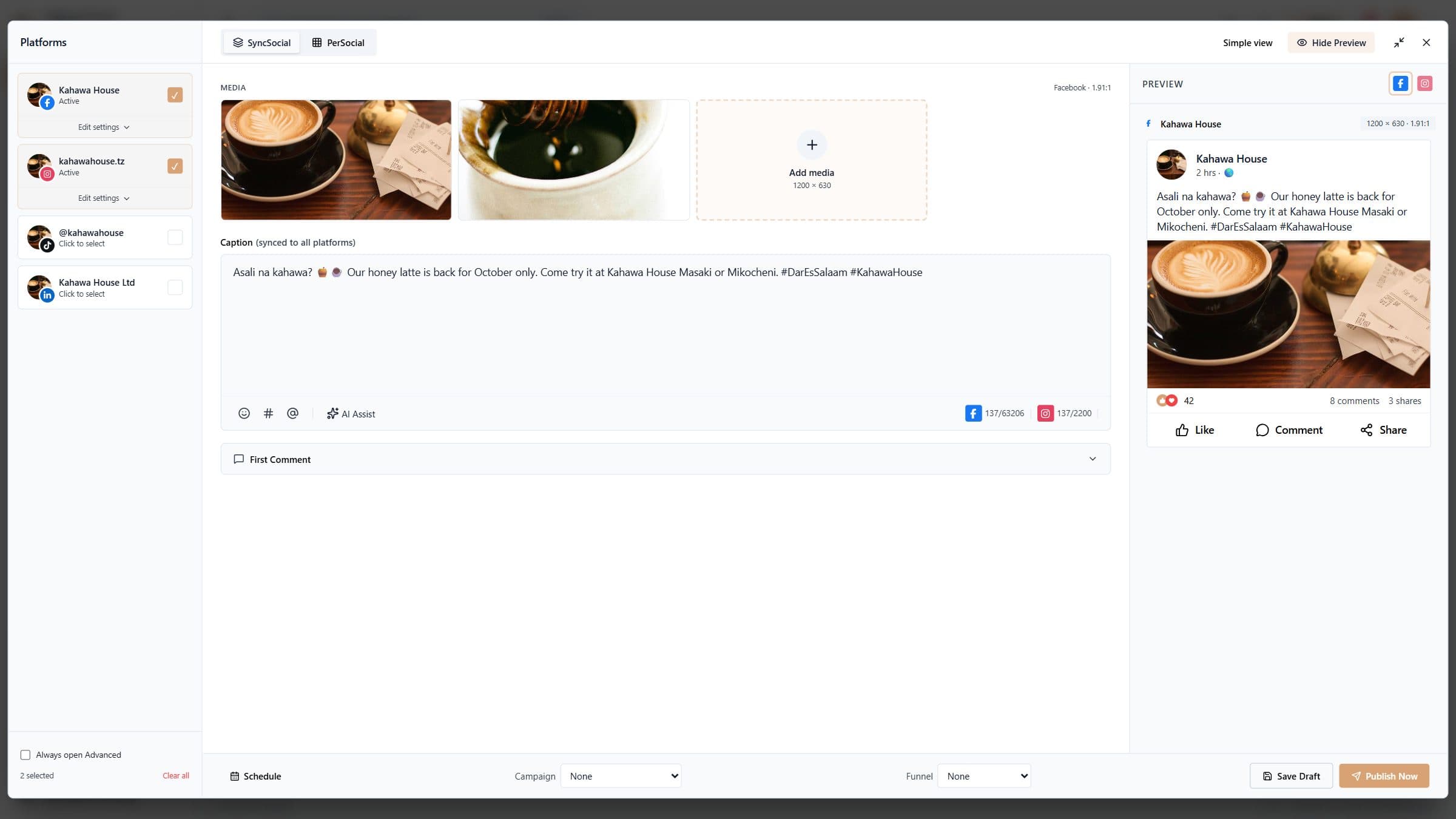 Tailor posts for each accountUse the advanced composer for per-account captions, live previews, cropping, first comments, campaigns and funnels.4 min read
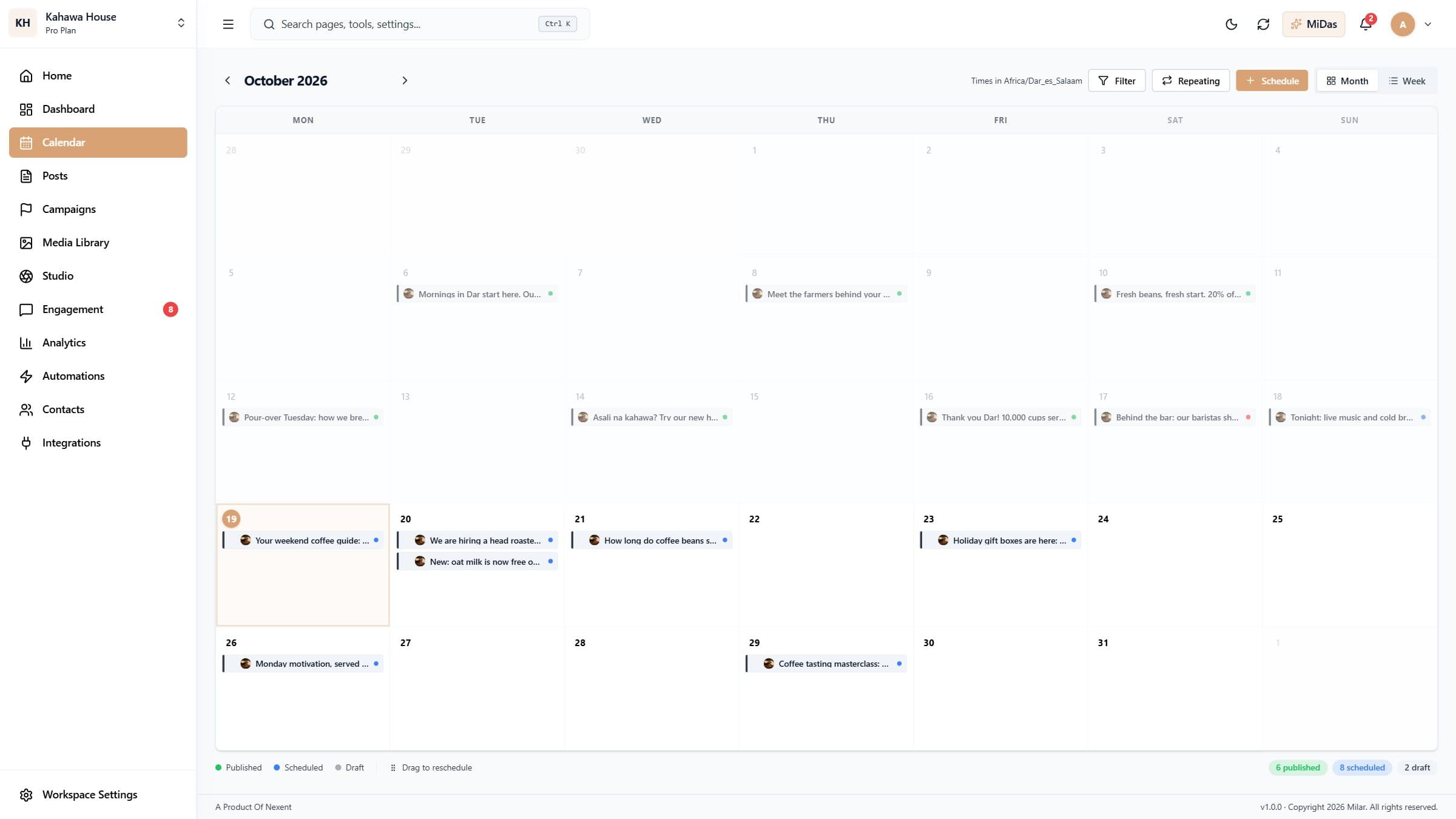 Plan with the content calendarSee every scheduled and published post by month or week, drag posts to reschedule, and fill gaps in your plan.4 min read
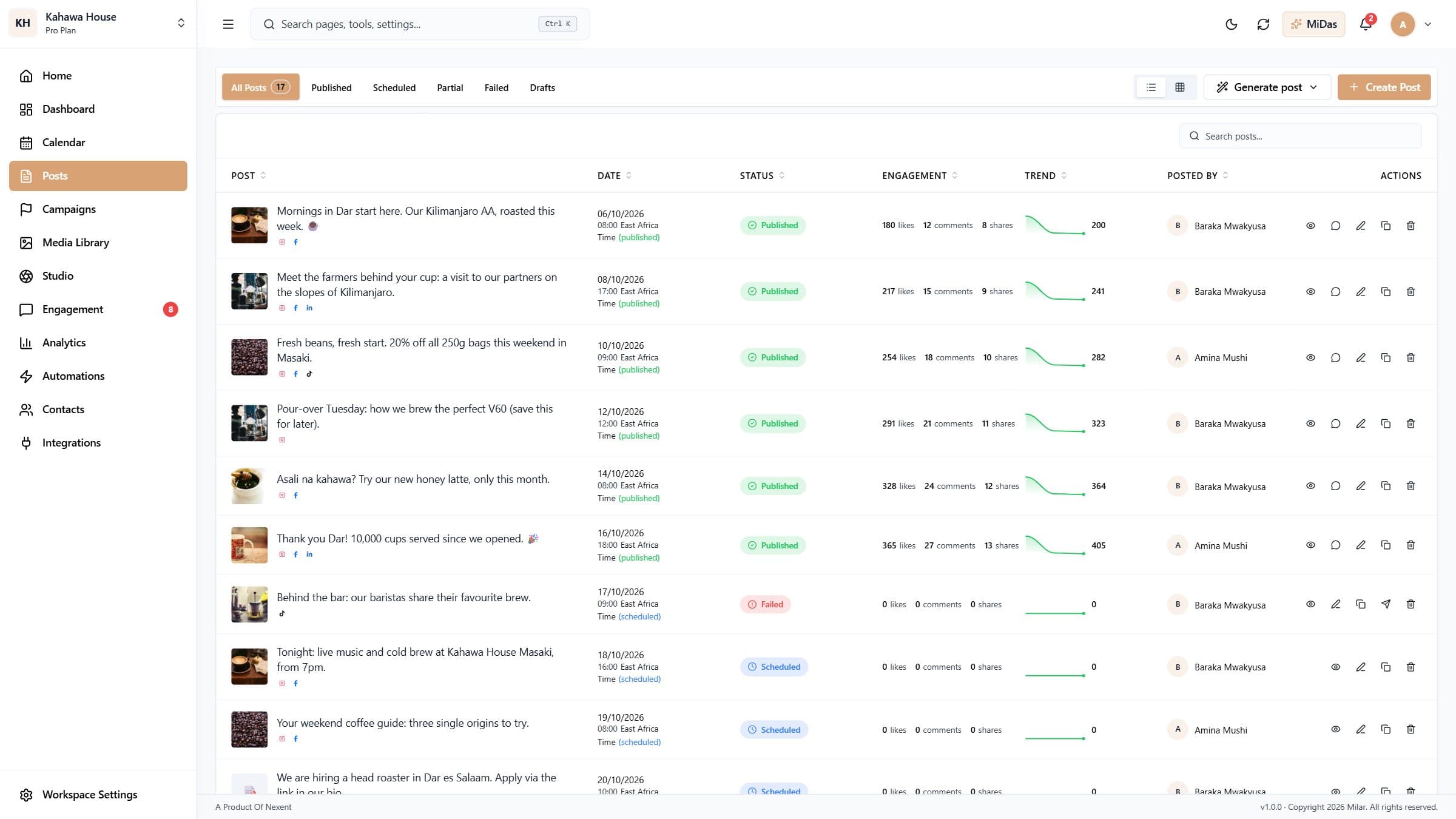 Manage your postsFind any post, see how it did, and edit, duplicate, retry or delete it from the Posts page.3 min read
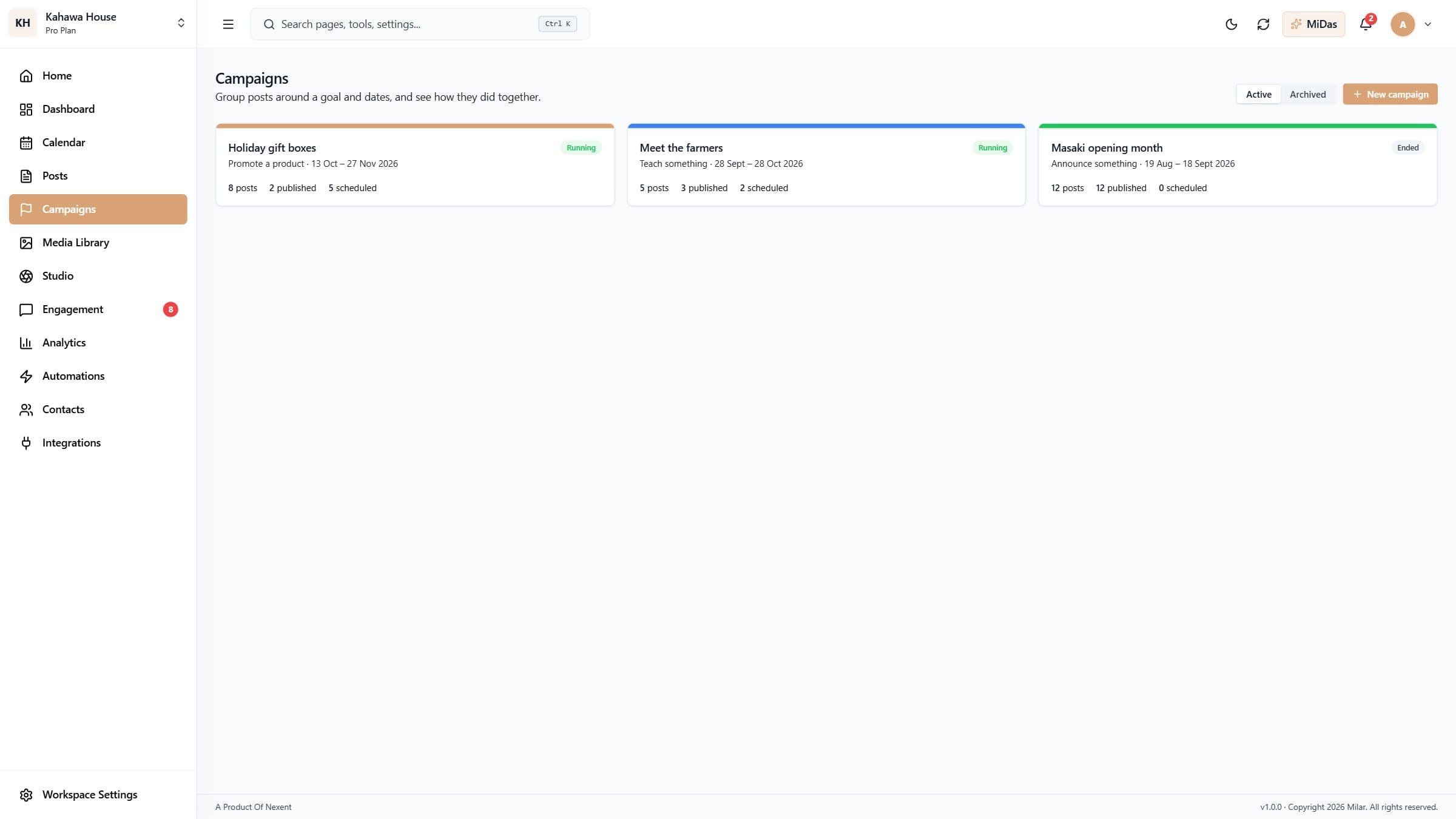 Run a campaignGroup posts around a goal and dates, and see how they performed together.3 min read
Create
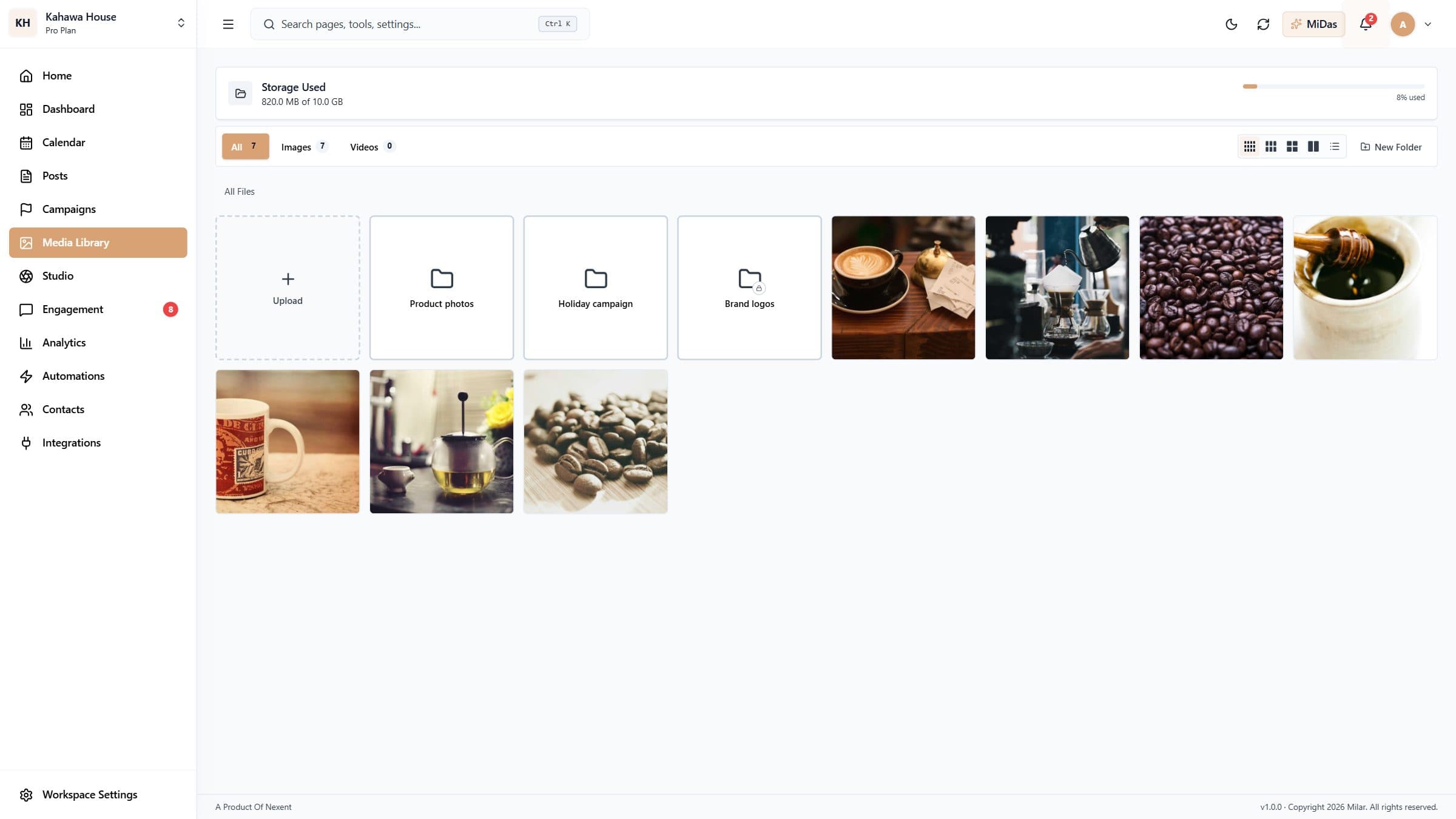 Use the Media LibraryKeep photos and videos in one place, organise them in folders, and use them in any post.3 min read
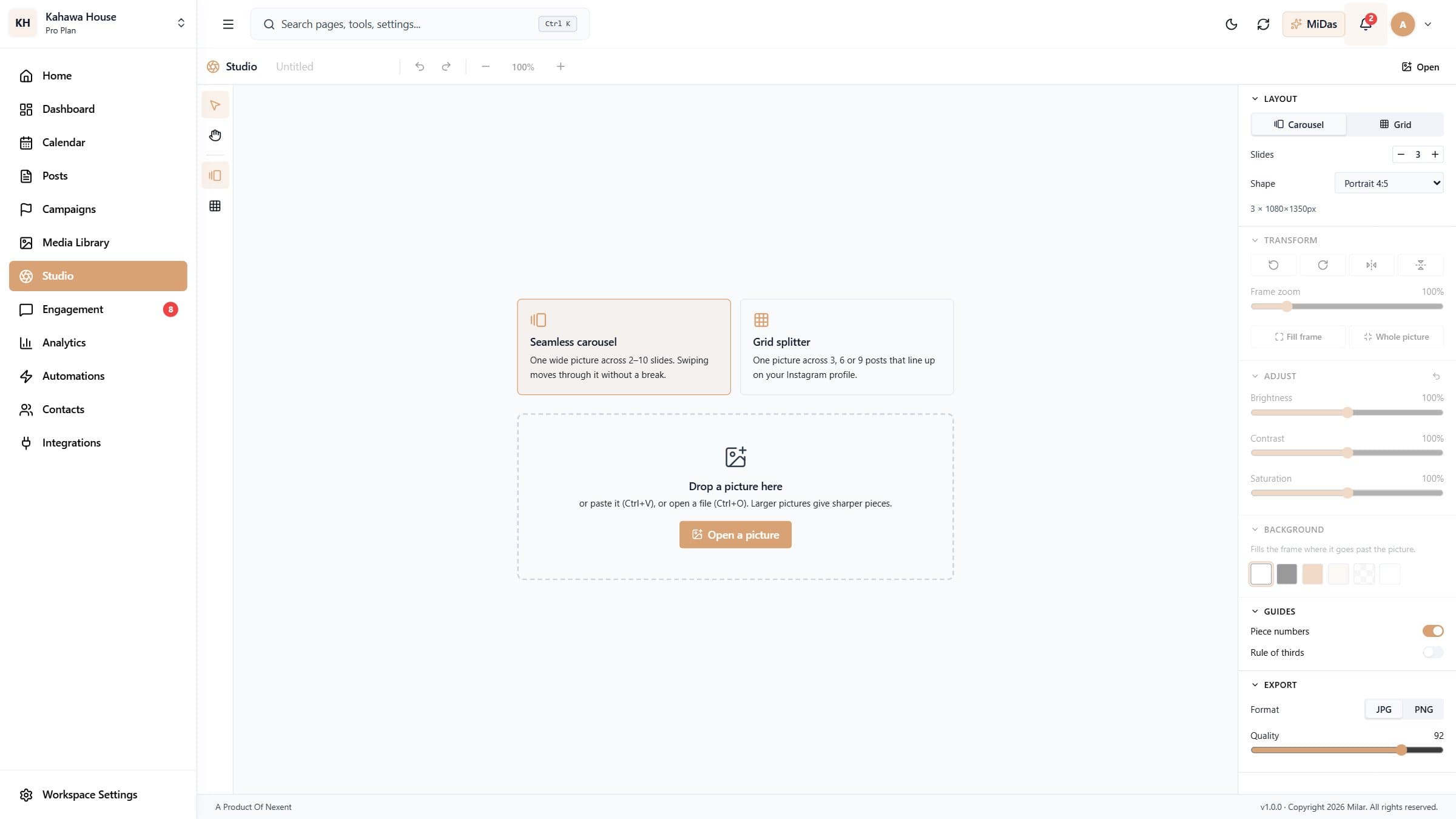 Make carousels and profile grids with Milar StudioCut one picture into a seamless swipeable carousel, or into a grid that shows as one big image on your Instagram profile, then post it in a click.6 min read
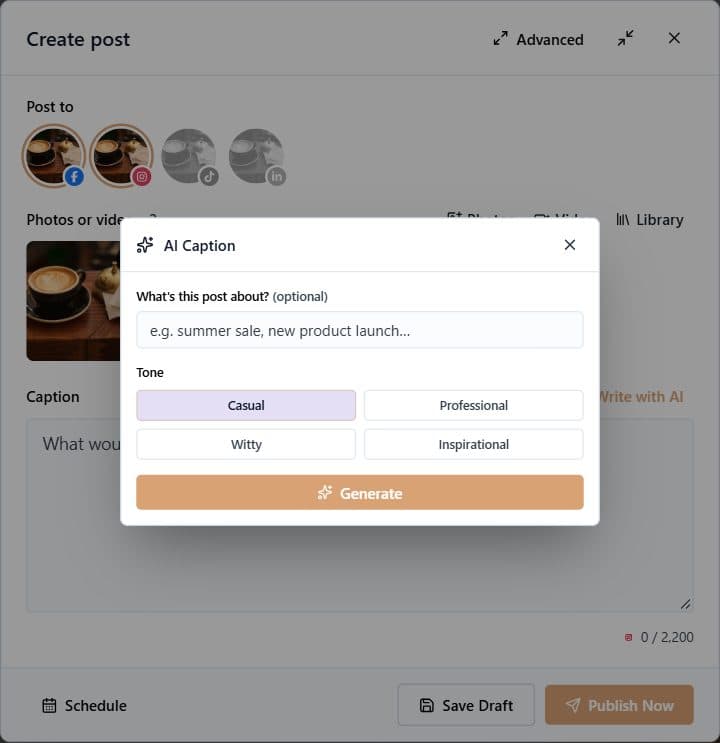 Write posts with AILet Milar write captions in your tone, or generate whole posts (with an image) from a goal and a topic.3 min read
Engage
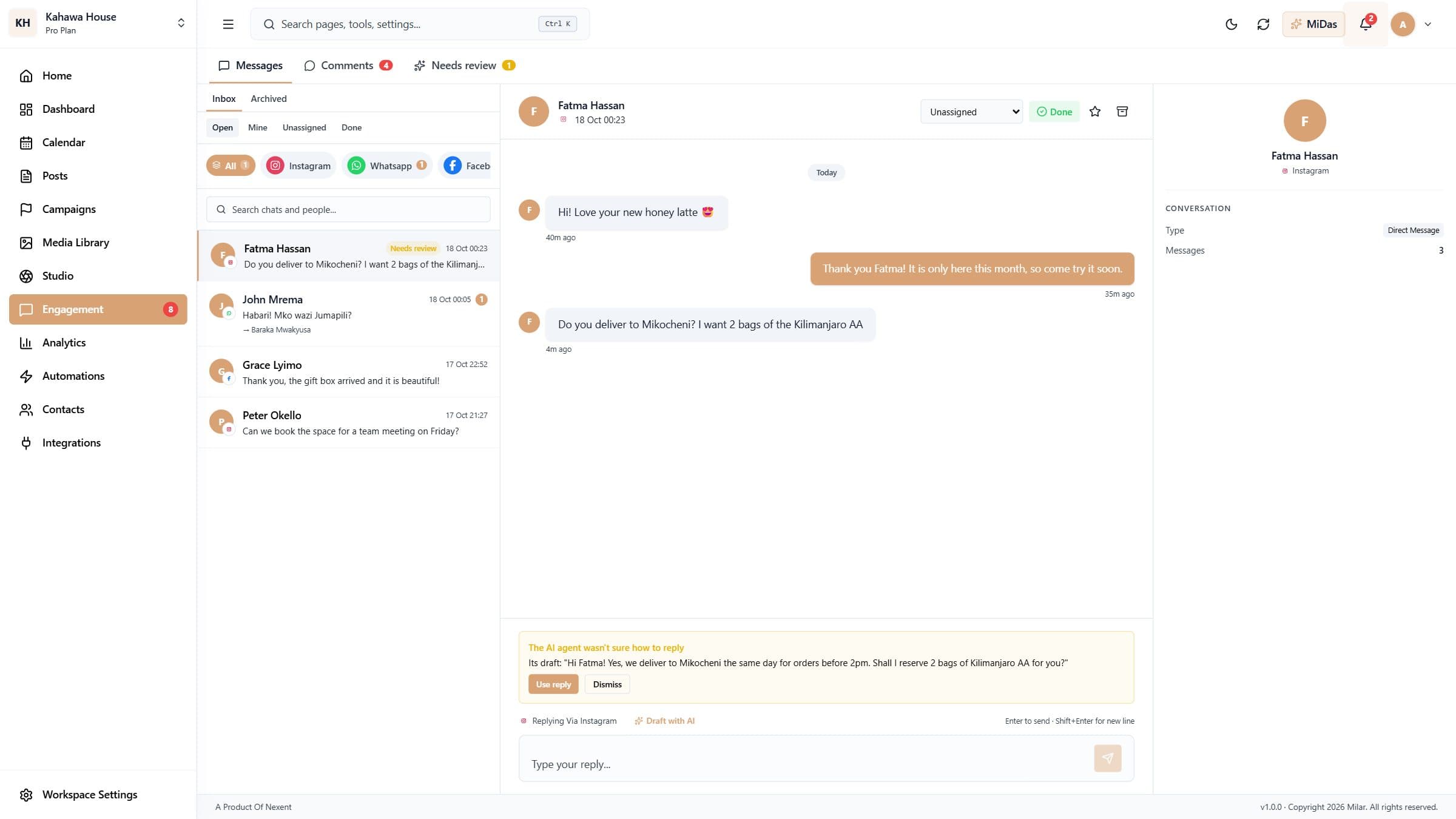 Answer messages from every accountReply to Instagram, Facebook and WhatsApp messages from one inbox, with AI drafts, assignment and a done list.5 min read
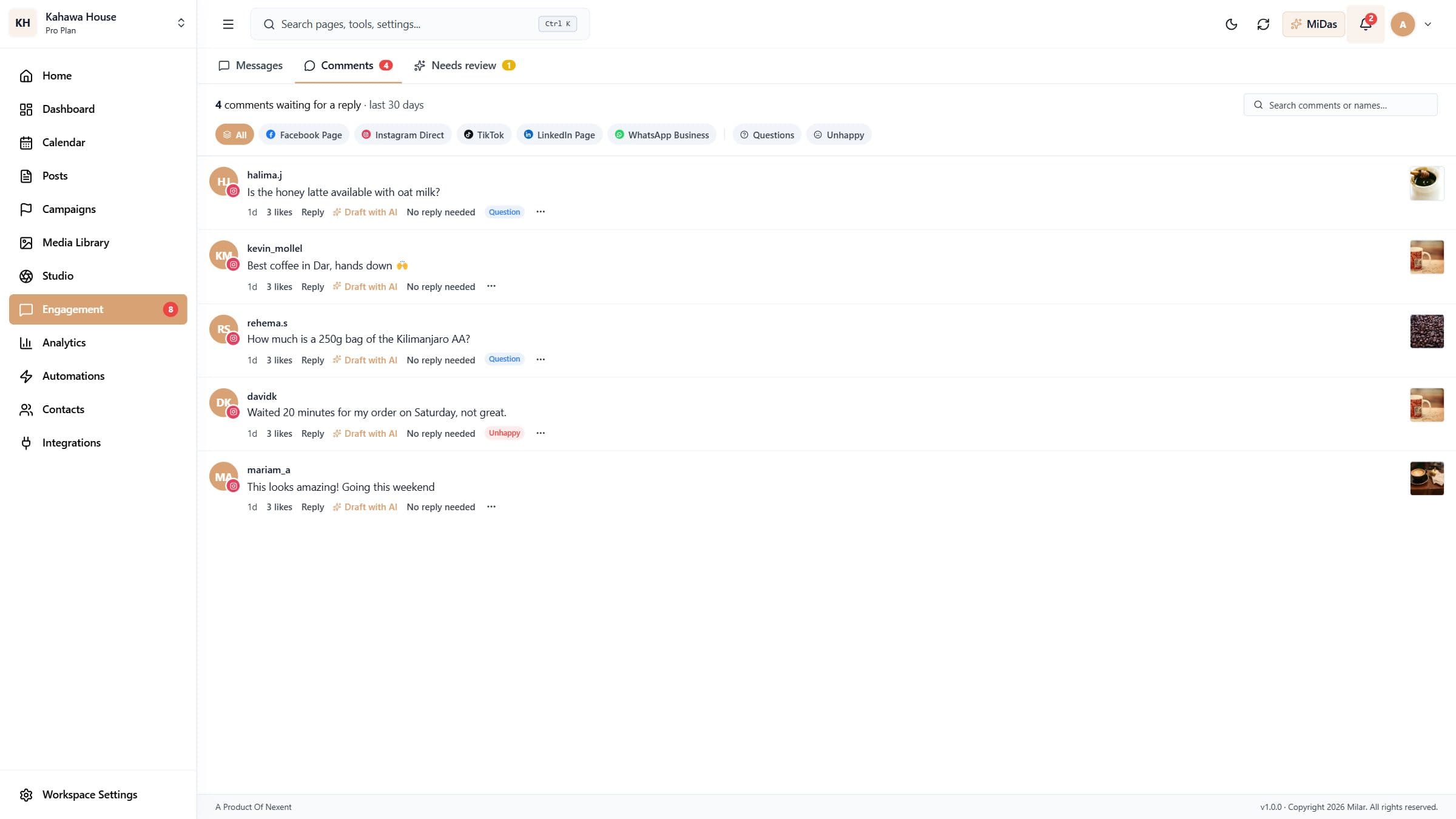 Reply to commentsSee every comment waiting for a reply across your accounts, answer with or without AI, and hide the ones you don't want.3 min read
Grow
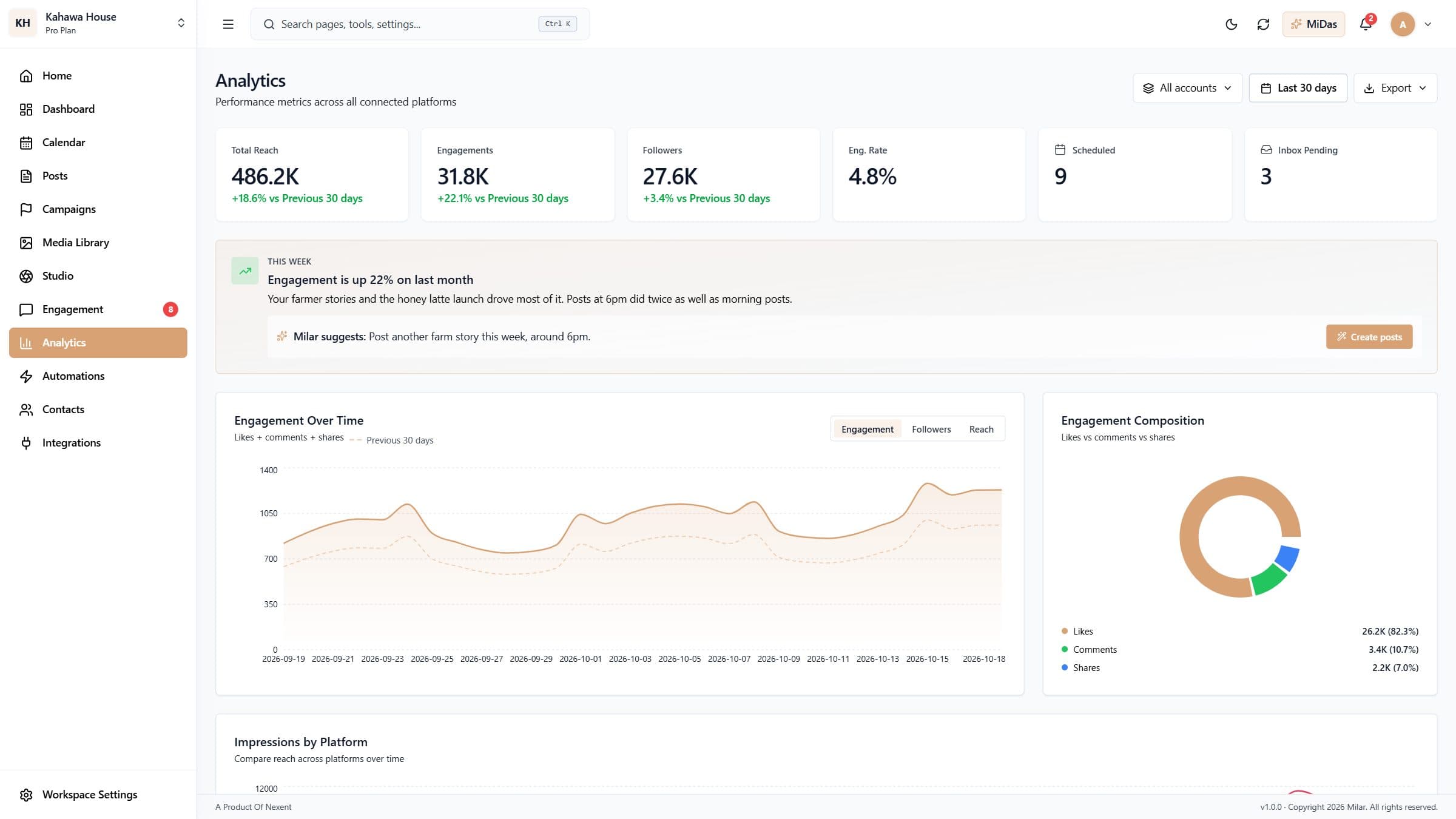 Understand your resultsTrack reach, engagement and followers across every account, find your best times to post, and export reports.4 min read
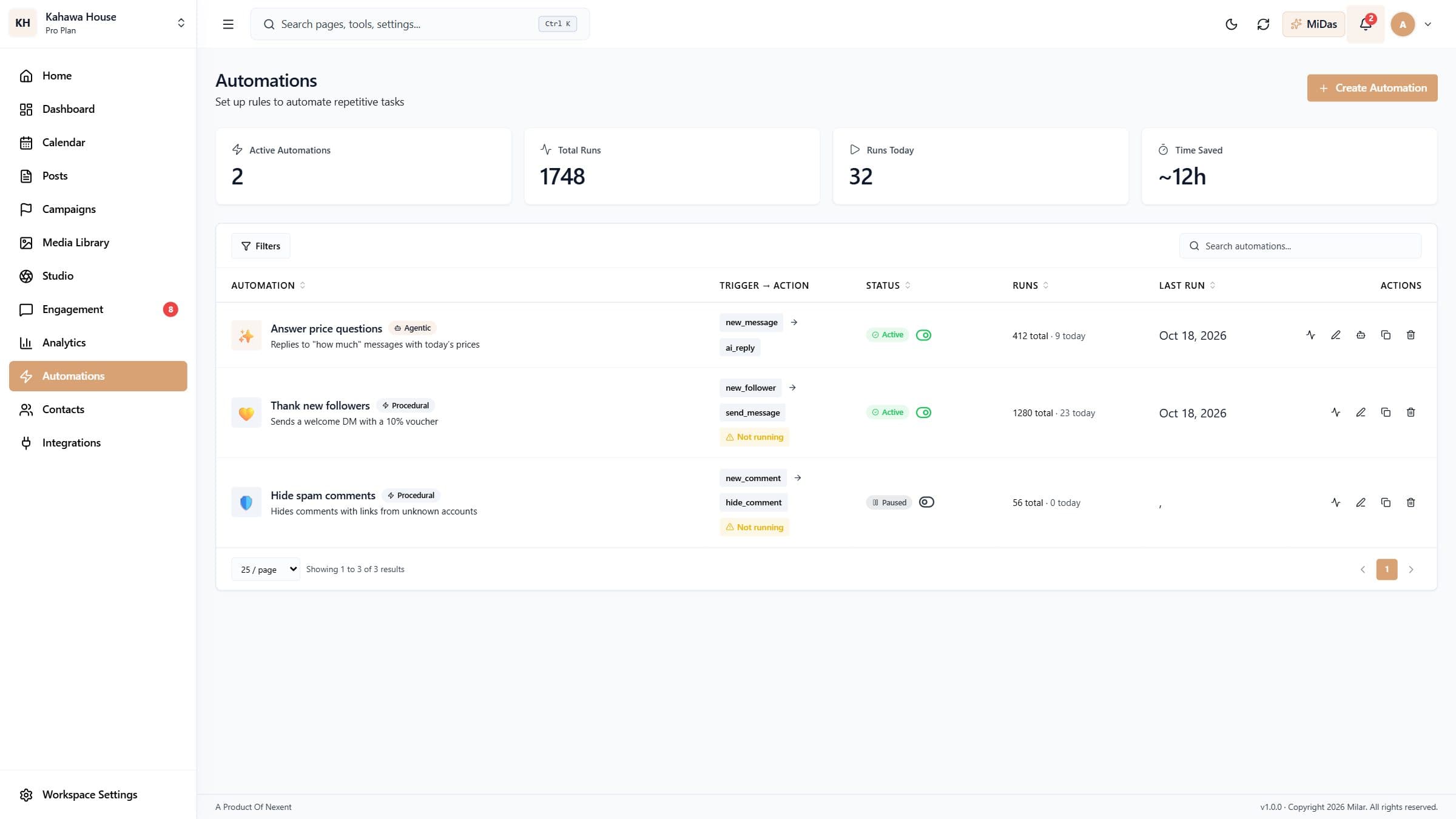 Automate replies and routine workSet up an AI agent that answers messages, or rules that act when something happens, like thanking new followers or hiding spam.4 min read
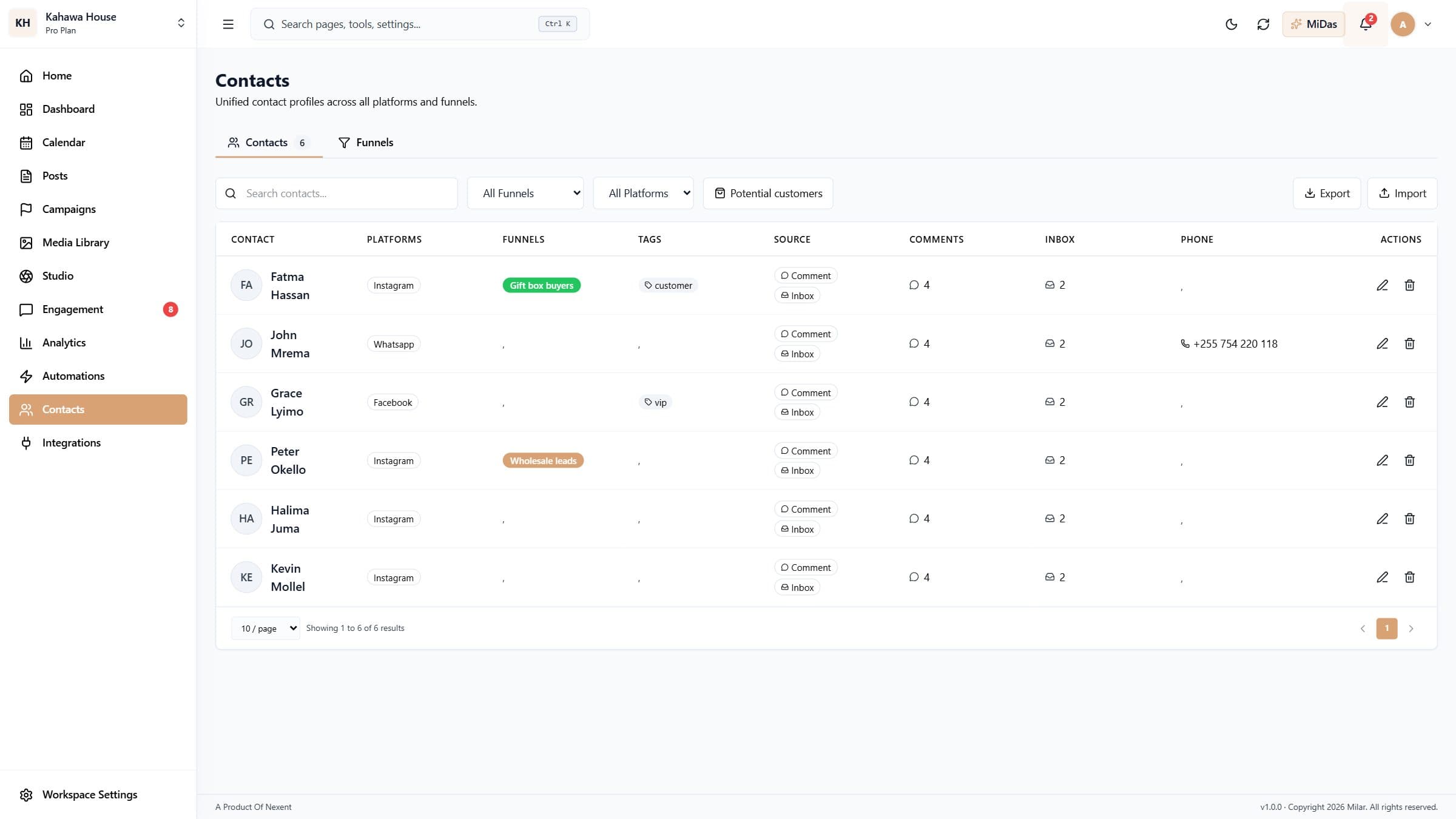 Contacts, funnels and potential customersSee everyone who talks to you across platforms in one list, spot people ready to buy, and group them in funnels.3 min read